Roles / Integration Developer
Integration Developer
Core Scenario
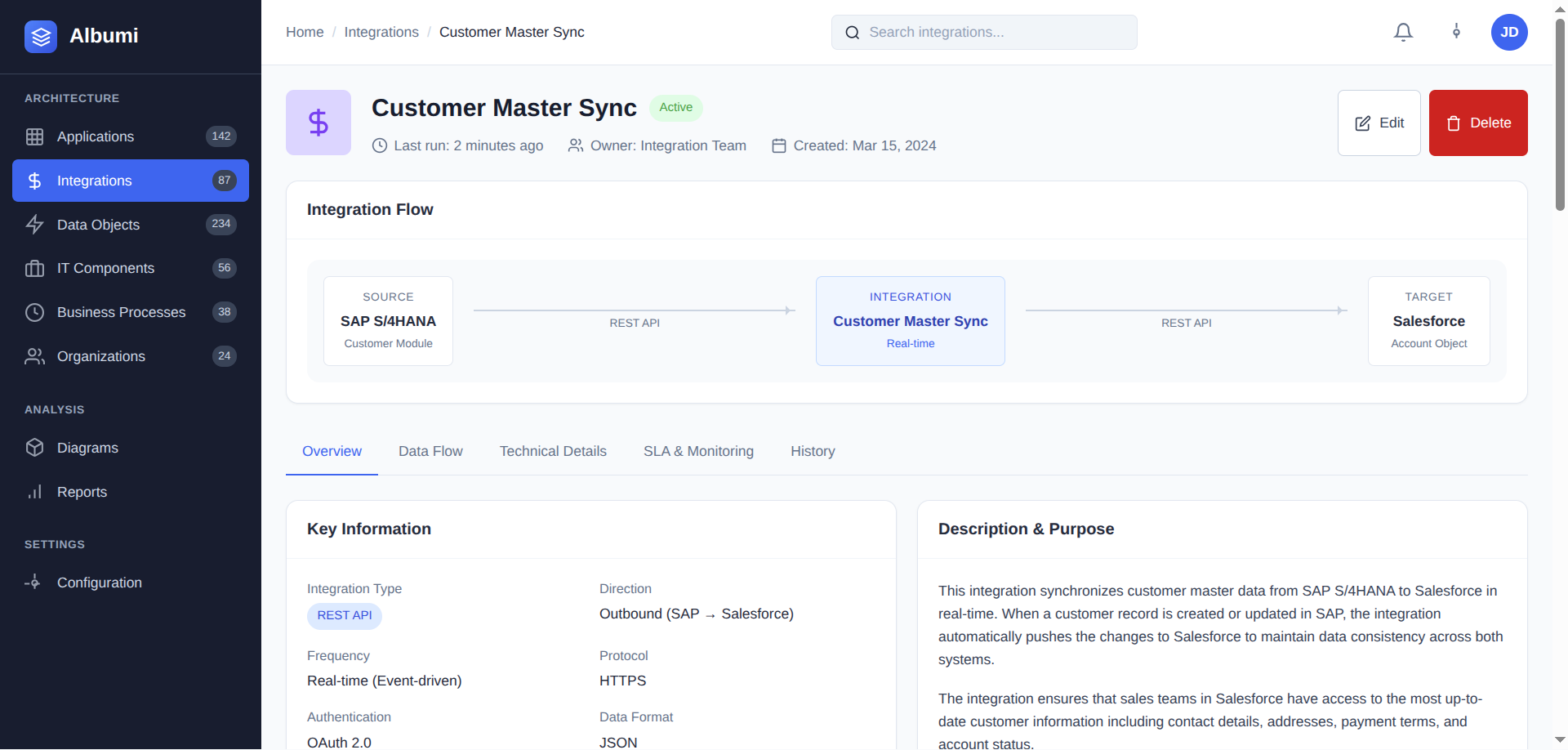
Fast Troubleshooting When Things Break
Integration down? Get all the context you need in one place: middleware, endpoints, data objects, and owner contacts.
- Find integration by name or ID instantly
- See technical details: middleware, protocol, endpoints
- Get source system owner contact immediately
- Understand business impact through linked capabilities
Result: "SAP team contact found, affected data: Sales for BI reports, middleware: MuleSoft. Issue diagnosed in 3 minutes."
Debugging
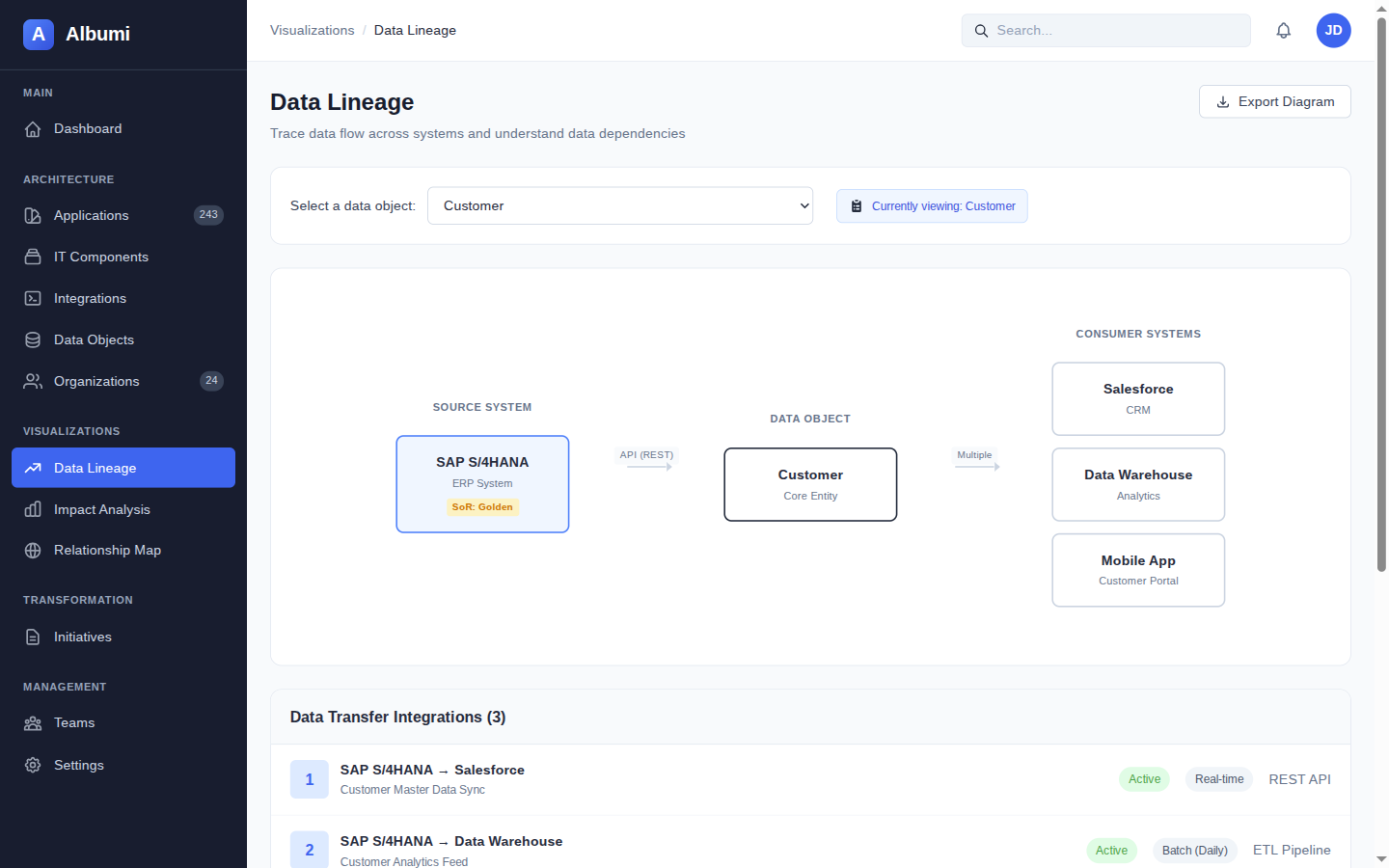
Data Lineage for Debugging
Bad data in the warehouse? Trace it back to the source. Find exactly where data gets corrupted in the flow.
- Start from the data object with issues
- Build upstream lineage: trace back to sources
- See each hop: integration and middleware used
- Identify the corruption point and investigate
Finding: "Data lineage: PIM → Integration Hub → DWH. Problem identified: Integration Hub → DWH segment."
Documentation
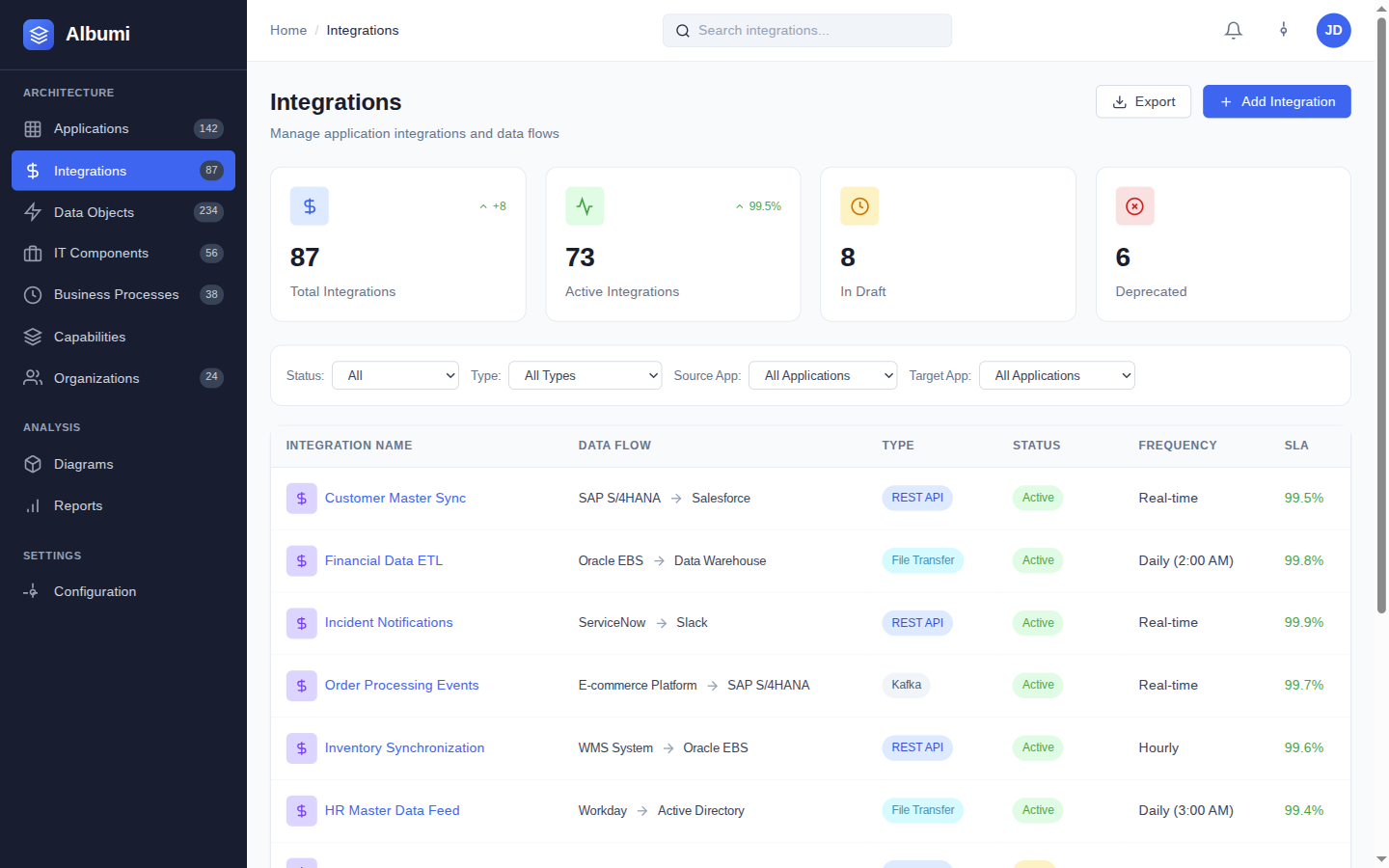
Documenting New Integrations
Solution Architect handed you a spec? Create the integration record with all technical details and connections.
- Specify source and target applications
- Add type, protocol, and middleware components
- Link data objects being transferred
- Fill technical details: frequency, error handling
Created: "INT-CRM-ERP-001 documented: event-driven via Kafka, Order/Customer data objects. Ready for review."
Migration
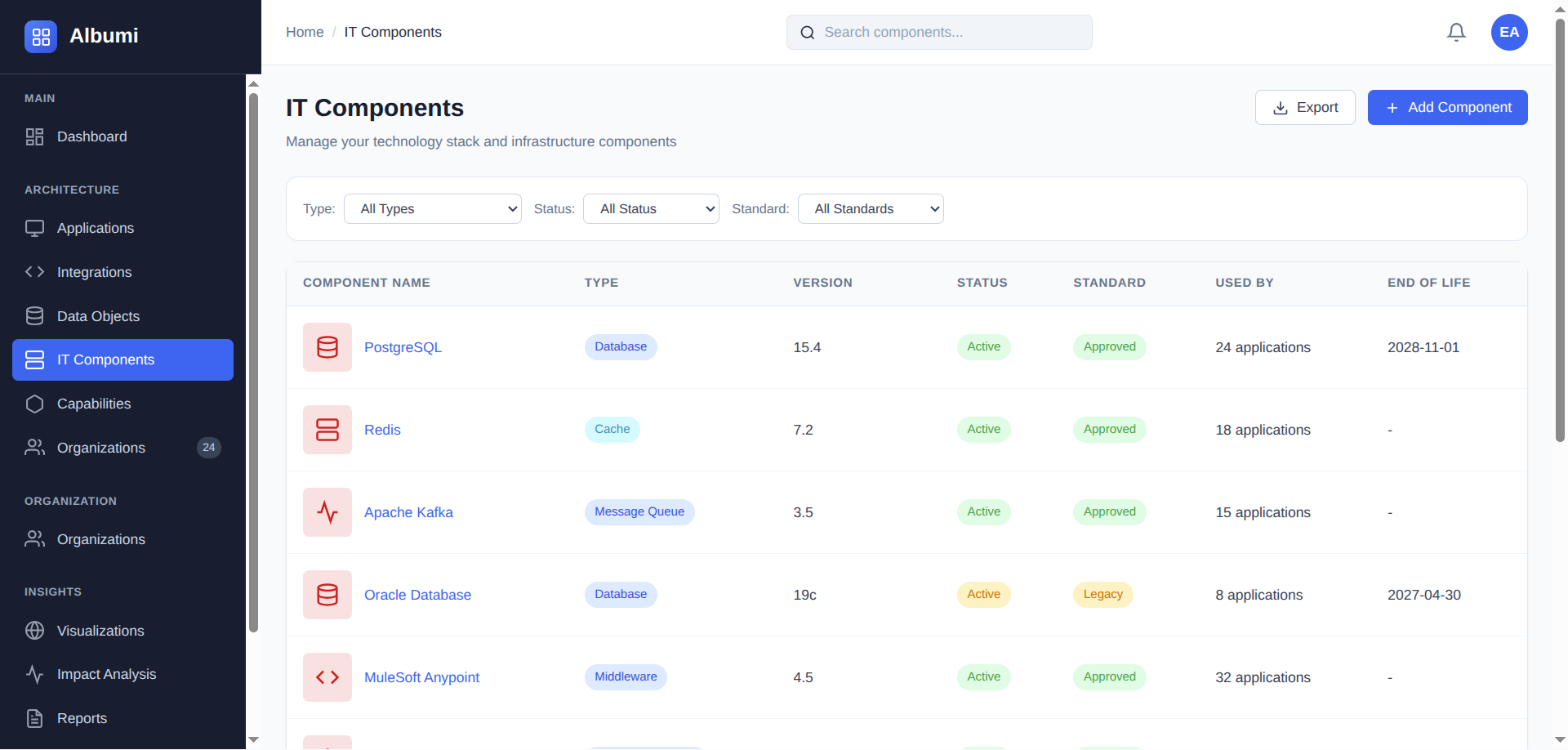
Middleware Migration Planning
Moving from MuleSoft to Kafka? Find all your integrations, plan the migration, and track progress.
- Find IT component → list all linked integrations
- Filter by team ownership
- Assess complexity: sync vs async, data volume
- Update integrations after migration
Migration Plan: "5 integrations on MuleSoft, prioritized by criticality. Estimated effort: 3 weeks."
Change Management
Impact Analysis for Source Changes
Source system planning a breaking change? Find all downstream consumers and coordinate the migration.
- Find the affected data object
- List all integrations transferring it
- Get consumer application list
- Contact target system owners for coordination
Impact: "Customer data object: 4 integrations, 6 consumer apps. Owners notified about breaking change."
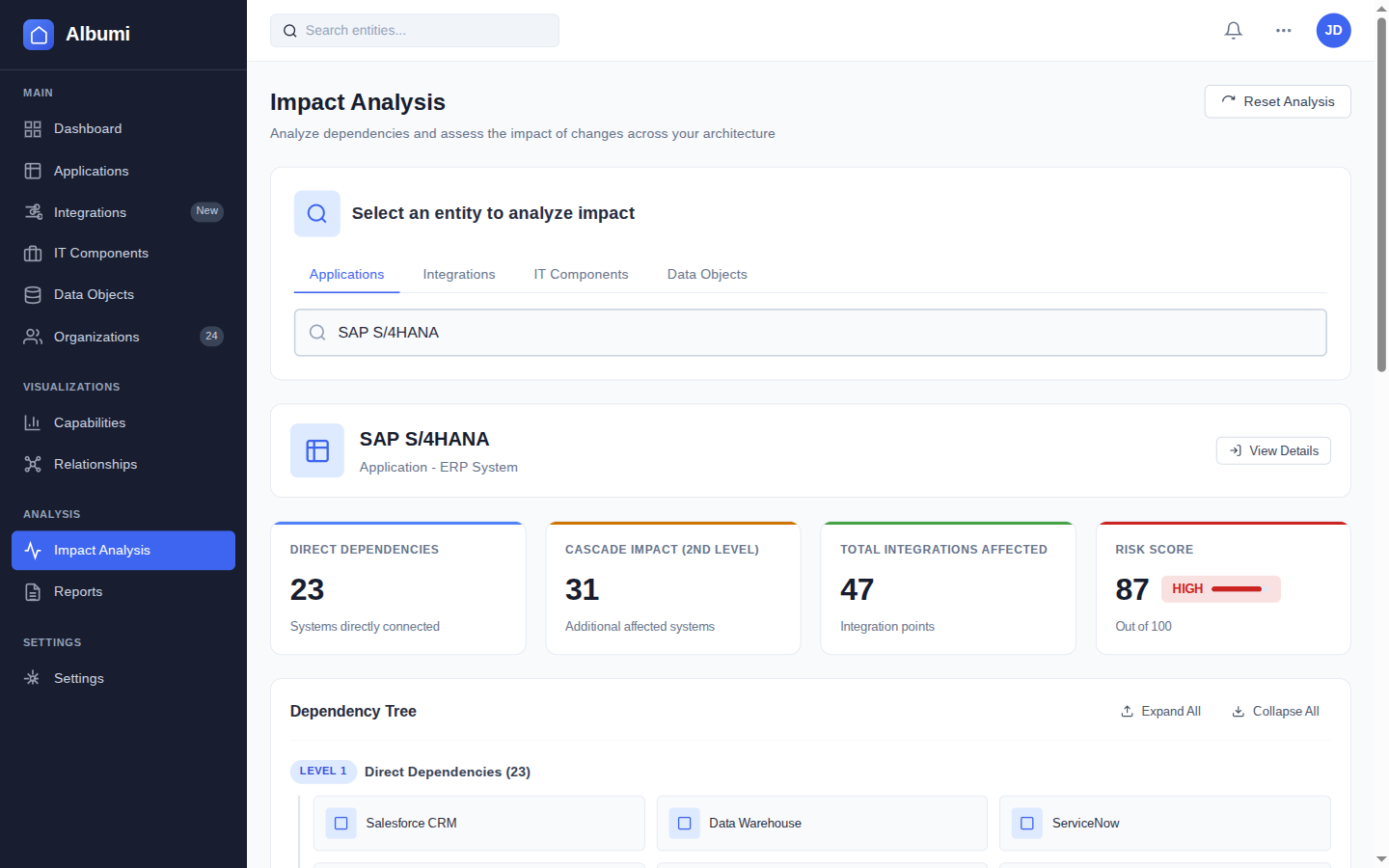
See Albumi in Action for Integration Developers
See how to find existing integrations, troubleshoot dependencies, and document everything in one place.
Get Early Access